
The moment a new user signs up is your single greatest opportunity to demonstrate value and set the stage for long-term retention. Think of it this way: a clunky or confusing welcome is like inviting someone to a party and then leaving them at the door. On the other hand, a seamless, personalized experience transforms curious prospects into dedicated advocates. This critical journey from initial sign-up to the user’s ‘aha!’ moment is defined entirely by your onboarding process. It’s not just a welcome tour; it’s a strategic framework for user activation and long-term success.
Poor onboarding is a silent killer of growth. A 2023 study by Wyzowl found that 86% of people are more likely to stay loyal to a business that invests in onboarding content that welcomes and educates them. This makes optimizing the first few interactions absolutely essential. The goal is to guide users to their first win as quickly and efficiently as possible, building momentum that carries them toward becoming power users. While our focus is on SaaS, many principles of effective initial user engagement apply across platforms; for insights into mobile app user acquisition and retention, consider these 7 Mobile Onboarding Best Practices.
This article moves beyond generic advice to provide a comprehensive roundup of actionable SaaS onboarding best practices. We will explore 10 proven strategies that successful companies use to activate, engage, and retain their customers. You’ll learn how to implement everything from interactive product tours and personalized user flows to leveraging activation metrics for continuous improvement. These aren’t just theories; they are practical, detailed strategies you can implement to ensure your users don’t just sign up—they succeed and stick around.
1. Interactive Product Tours and Walkthroughs
One of the most effective SaaS onboarding best practices is implementing interactive product tours. Unlike static tooltips or passive video tutorials, these guided walkthroughs actively engage new users by prompting them to click, type, and navigate through the most critical workflows. This hands-on, “learn-by-doing” approach helps users build muscle memory and accelerates their time-to-value.
By highlighting key UI elements and providing contextual instructions, you can steer users directly toward their “aha!” moment. For instance, Slack’s interactive tour guides a new user through setting up their workspace, sending their first message, and creating a channel. This immediate, task-oriented guidance ensures users understand the core functionality right away. Similarly, Figma’s walkthrough focuses on collaborative features, demonstrating its primary value proposition from the first login.
How to Implement Interactive Tours Effectively
To avoid overwhelming users, it’s all about structuring your tours for maximum impact and minimal friction. Let’s make it easy for them.
- Make it Skippable: Always provide an obvious exit option. Forcing a user through a tour can create frustration, especially for those who prefer to explore independently.
- Segment by Role or Use Case: Customize tours based on user personas or the job they are trying to accomplish. A developer’s first five minutes should look different from a project manager’s.
- Use Progress Indicators: A simple progress bar or step counter (e.g., “Step 2 of 4”) manages user expectations and motivates them to complete the tour.
- Keep it Concise: Limit each walkthrough to 3-5 essential steps. If a workflow is more complex, break it into multiple, context-triggered mini-tours that appear when a user accesses a new feature area.
By guiding users through their first critical actions, you build their confidence and demonstrate your product’s value immediately. This proactive approach is a powerful way to reduce churn and improve user activation, directly impacting your bottom line. Just as you optimize landing pages, optimizing your initial user journey is crucial. You can learn more about how to boost user engagement on mick-mar.com.
2. Personalized Onboarding Flows Based on User Segmentation
Another cornerstone of effective SaaS onboarding best practices is personalization. Let’s be honest, a one-size-fits-all approach rarely works, as different users sign up with unique goals and skill levels. By segmenting users and tailoring their initial experience, you can guide them directly to the features that matter most to them, dramatically increasing relevance and reducing time-to-value.
This strategy involves using data collected during signup—like their role, industry, or company size—to create customized onboarding paths. For example, HubSpot presents a distinct setup process for a marketing manager focused on lead generation versus a sales representative interested in pipeline management. Likewise, monday.com offers industry-specific project templates, ensuring a new construction firm sees a different initial dashboard than a software development team. This immediate alignment with user intent makes the product feel purpose-built for their needs.
How to Implement Personalized Flows Effectively
To deploy segmentation successfully, you need a clear strategy for gathering data and creating distinct user journeys. The good news? You can start simple and refine over time.
- Define Key User Segments: Before building anything, identify your primary user personas. Are they technical or non-technical? Are they managers or individual contributors? What is their core “job-to-be-done”?
- Use Welcome Surveys or Signup Data: Ask a few simple questions during signup to segment users from the start. Questions like “What is your role?” or “What do you want to achieve with our product?” provide invaluable data.
- Trigger Contextual In-App Messages: Beyond the initial tour, use segment data to trigger relevant tips and feature announcements. A power user doesn’t need basic tooltips, but a novice will appreciate them.
- Monitor Segment-Specific Metrics: Track completion rates, feature adoption, and drop-off points for each personalized flow. This allows you to identify which paths are working and which need improvement.
By delivering a bespoke onboarding experience, you prove that you understand your customer’s unique challenges from their very first interaction. This personalized guidance not only boosts activation rates but also fosters a stronger, more loyal user base by making each person feel seen and supported.
3. Progressive Onboarding and Feature Gradation
Instead of overwhelming new users with every single feature your product offers, one of the most effective SaaS onboarding best practices is to introduce functionality gradually. This approach, known as progressive onboarding, starts users with the core tools they need to achieve an initial win. Advanced features are unlocked or introduced only as users demonstrate proficiency or reach specific milestones, preventing cognitive overload and supporting natural skill development.

This method respects the user’s learning curve and builds their confidence over time. For example, Mailchimp first guides users to create a simple email campaign. Only after they master this does it introduce more complex features like A/B testing and multi-step automation sequences. Similarly, GitHub’s guided workflow for new contributors focuses on forking a repository and making a pull request, hiding more advanced Git commands until they are relevant. This ensures users grasp the essentials before moving on to more powerful capabilities.
How to Implement Progressive Onboarding Effectively
To build a successful graded experience, you must align feature introduction with the user’s journey and evolving needs. This turns the onboarding process into a path of gradual mastery rather than a one-time info-dump.
- Map Features to User Milestones: Align your feature set with key user accomplishments. Trigger the introduction of an advanced feature (like analytics dashboards) only after a user successfully completes a foundational task (like launching their first campaign).
- Use ‘Just-in-Time’ Tooltips: Instead of a lengthy upfront tour, introduce features contextually when a user is most likely to need them. A well-placed tooltip or modal can appear when they navigate to a new section, explaining its value at the perfect moment.
- Create Clear ‘Next Step’ Guidance: Once a user masters a core function, guide them toward the next logical step. Use in-app messages or checklists to suggest what they should explore next to get even more value from your product.
- Allow Power Users to Opt-Out: Always provide a way for experienced users to bypass the graded experience and unlock the full feature set immediately. This respects their expertise and prevents frustration.
By designing a journey of progressive discovery, you make your product feel intuitive and manageable, significantly improving long-term retention. This strategy ensures users feel successful at every stage, encouraging deeper engagement and turning them into proficient, loyal customers.
4. Contextual In-App Guidance and Tooltips
Another powerful SaaS onboarding best practice is providing contextual in-app guidance. Unlike a linear product tour that runs once, contextual tooltips and hints appear precisely when a user needs them, offering support without interrupting their workflow. This just-in-time assistance helps demystify complex features and reduces the cognitive load on new users.
By embedding guidance directly into the UI, you answer questions before they are even asked. For example, Stripe excels at this by placing small question mark icons next to complex terms like “API Keys” or “Webhook Endpoints.” When hovered over, a concise tooltip explains the concept and links to deeper documentation. Similarly, Zapier provides inline explanations as a user builds a multi-step workflow, clarifying how data will be passed between applications and preventing common errors.
How to Implement Contextual Guidance Effectively
The goal here is to be helpful, not intrusive. Well-executed contextual guidance feels like a natural part of the product experience, building user confidence and proficiency over time.
- Trigger Based on Behavior: Don’t show everything at once. Display tooltips when a user hovers over an icon, pauses on a specific field for a few seconds, or accesses a feature area for the first time.
- Use Progressive Disclosure: Hide more advanced tips by default. Reveal them only after a user has mastered the basics or actively seeks more information, keeping the initial UI clean and uncluttered.
- Keep Copy Concise: Tooltip text should be brief and to the point. Use clear, jargon-free language. If more detail is needed, include a “Learn More” link to a dedicated help article or video.
- A/B Test and Track Usage: Continuously test the wording, placement, and triggers for your tooltips. Monitor which hints are most frequently consulted to understand where users struggle most and refine your guidance accordingly.
By integrating support directly into the user interface, you create a seamless learning environment that reduces friction and helps users achieve their goals faster. This method ensures that help is always available right where it’s needed most.
5. Onboarding Checklists and Goal Tracking
One of the most powerful SaaS onboarding best practices is guiding users with interactive checklists and goal-tracking systems. This approach provides a clear, structured path from initial signup to activation, breaking down the setup process into manageable steps. By presenting users with a visual roadmap of tasks, you demystify complex workflows and create a powerful sense of momentum and accomplishment from their very first session.
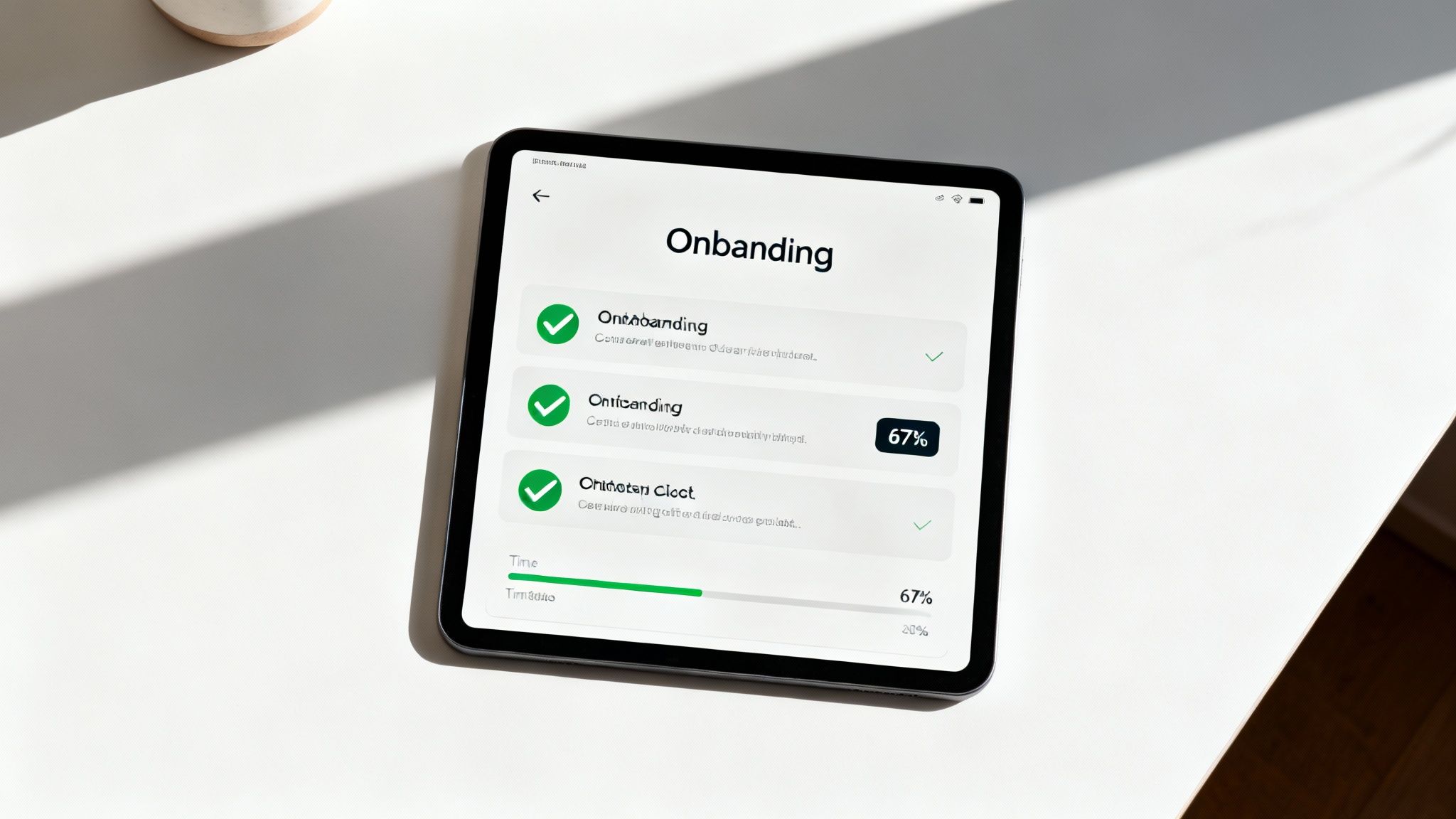
This method directly addresses the common user question, “Okay, what do I do next?” Asana exemplifies this by giving new users a project setup checklist, guiding them through creating tasks and inviting teammates. Similarly, Stripe’s merchant account activation checklist clearly outlines every required step, from verifying identity to linking a bank account, ensuring a smooth and compliant setup. This clarity builds user confidence and accelerates their journey to experiencing your product’s core value.
How to Implement Checklists Effectively
To create a checklist that motivates rather than overwhelms, focus on clarity, context, and celebrating progress. A well-designed checklist acts as a helpful mentor, not just a task list.
- Prioritize Critical Actions: Focus the checklist on the 3-5 key actions a user must take to reach their “aha!” moment. These are the steps directly tied to activation.
- Celebrate Progress Visually: Use satisfying animations, checkmarks, or a progress bar that fills up as users complete tasks. This positive reinforcement encourages them to finish the list.
- Make it Contextual: Tailor checklist items to the user’s role or stated goals. A team admin’s checklist should differ from an end-user’s, focusing on setup and integration versus feature discovery.
- Allow Skips for Non-Essentials: While core actions should be encouraged, allow users to skip or hide optional tasks. This gives them a sense of control over their onboarding experience.
By providing a structured yet flexible path, onboarding checklists empower users to achieve meaningful outcomes quickly. This strategy not only improves activation rates but also sets a strong foundation for long-term user retention and success within your platform.
6. Human Support and Live Onboarding Sessions
While automated flows are scalable, one of the most impactful SaaS onboarding best practices involves direct human interaction. Offering live onboarding sessions, dedicated specialists, or proactive chat support provides a high-touch experience that can be crucial for complex products or high-value customers. This personalized guidance ensures users overcome initial hurdles, feel valued, and deeply understand how your solution solves their specific problems.
This approach transforms onboarding from a generic checklist into a tailored consultation. For instance, HubSpot offers scheduled sessions for its paid plans, where specialists help customers align the software with their marketing goals. Similarly, Salesforce provides enterprise customers with dedicated onboarding teams to manage complex implementations. This level of support builds strong relationships from day one and drastically reduces the likelihood of early churn for critical accounts.
How to Implement Human Support Effectively
To maximize the ROI of this high-effort strategy, it’s essential to be strategic and structured in your approach. Let’s focus these resources where they will have the greatest impact on revenue and retention.
- Segment for High-Touch Onboarding: Reserve one-on-one sessions for enterprise clients or high-tier plans. Use a lower-touch model, like group webinars, for other paid segments to maintain scalability.
- Create Structured Agendas: Don’t let calls become unstructured Q&As. Prepare a clear agenda that covers discovery, a customized demo based on the customer’s use case, and clear next steps.
- Record and Share Sessions: Always record live sessions and send the link to the customer afterward. This creates a valuable, reusable resource for them and their team, reinforcing key lessons.
- Gather Feedback to Improve Self-Service: Use insights from these live sessions to identify common sticking points. This valuable feedback can then be used to improve your automated product tours and help documentation for all users.
By offering a human touchpoint, you create a powerful support system that automation alone cannot replicate. This investment in customer success not only ensures proper setup but also solidifies user loyalty, turning new signups into long-term advocates for your brand.
7. Video-Based Onboarding and Microlearning
Another powerful SaaS onboarding best practice is leveraging video content and microlearning. This approach uses short, focused videos to explain features, demonstrate complex workflows, and showcase specific use cases in a highly digestible format. Instead of wading through lengthy documentation, users can watch a 30-second feature demo or a 3-minute tutorial to quickly grasp a concept and apply it.
This method caters to diverse learning preferences and is incredibly effective for visual learners. For example, Zapier uses clear video tutorials to walk users through building their first “Zap,” demystifying the automation process. Similarly, Notion’s extensive YouTube channel provides on-demand walkthroughs for everything from basic page setup to advanced database relations, allowing users to learn at their own pace. This visual guidance makes abstract features feel concrete and achievable.
How to Implement Video-Based Onboarding Effectively
To maximize engagement and learning retention, your video strategy should be deliberate and user-centric. Focus on creating a library of high-value, easily accessible content.
- Keep it Short and Focused: Aim for videos under three minutes. Each video should tackle a single topic or workflow to avoid cognitive overload. This microlearning format respects the user’s time and improves knowledge retention.
- Organize into a Searchable Library: Create a centralized resource hub or help center where users can easily find videos by topic or feature. Shopify’s “Shopify Learn” platform is a great example of an organized video course library.
- Prioritize Accessibility: Include closed captions for sound-off viewing and provide full transcripts. This not only helps users with hearing impairments but also makes the content scannable and improves SEO.
- Use Real-World Scenarios: Ground your tutorials in practical, relatable examples. Showing how a feature solves a real problem is far more compelling than a simple feature overview.
- Keep Content Current: Outdated videos create confusion and erode trust. Establish a process to review and update tutorials promptly after any UI or feature changes, ideally within two weeks of the release.
By integrating video, you offer a scalable and engaging way to educate users, reducing support tickets and accelerating their journey to becoming proficient. This proactive educational approach demonstrates your commitment to user success right from the start.
8. Smart Notification and Email Onboarding Sequences
One of the most crucial SaaS onboarding best practices is extending the user journey beyond the product itself with smart notifications and email sequences. These strategically timed campaigns act as a guide, reinforcing value, highlighting unused features, and nudging users toward key activation milestones even when they aren’t logged in. This proactive communication helps maintain momentum and prevents users from dropping off.
Effective sequences are triggered by user behavior, not arbitrary timelines. For instance, Slack’s famous day-1, day-3, and day-7 emails are designed to re-engage users and showcase deeper functionality. Similarly, Airbnb sends a detailed email series to new hosts, breaking down the complex process of listing a property into manageable, bite-sized steps. These communications demonstrate that you understand the user’s journey and are invested in their success.
How to Implement Smart Sequences Effectively
To create an effective notification strategy, focus on delivering timely, relevant, and actionable messages that enhance the user experience rather than cluttering an inbox.
- Trigger on Behavior, Not Time: Send messages based on user actions (or inaction). For example, if a user creates a project but doesn’t invite a team member within 48 hours, trigger an email highlighting the benefits of collaboration.
- Personalize with Real Data: Go beyond using just the user’s first name. Reference their specific actions, like “Great job creating your first report!” or “We noticed you haven’t tried the ‘Automation’ feature yet.” This makes the communication feel personal and relevant.
- Space Out Your Communications: Avoid overwhelming users. A common best practice is to space onboarding emails 2-7 days apart, giving users time to act on the information without feeling spammed.
- Keep it Action-Oriented: Every message should have a clear purpose and a single call-to-action (CTA). Use direct, compelling subject lines like “Your Next Step to Mastering [Your Product]” and include deep links that take users directly to the relevant feature in your app.
By creating thoughtful, behavior-driven communication sequences, you can guide users effectively, boost feature adoption, and build a stronger relationship from day one. This continuous engagement is a powerful tool for turning new sign-ups into long-term, loyal customers.
9. Self-Service Knowledge Base and Help Documentation
A vital component of the SaaS onboarding best practices toolkit is a robust, self-service knowledge base. While guided tours are great for initial activation, users will inevitably have questions as they explore deeper functionality. A comprehensive help center empowers them to find answers independently, 24/7, fostering a sense of autonomy and reducing the burden on your support team.
Great knowledge bases act as a product encyclopedia, offering everything from quick FAQs to in-depth technical guides. For example, Stripe’s developer documentation is legendary for its clarity and completeness, enabling developers to integrate its API with minimal friction. Similarly, HubSpot’s extensive resource hub provides searchable articles, video tutorials, and best-practice guides that not only explain how to use the tool but also why specific strategies work, positioning them as a thought leader.
How to Implement a Knowledge Base Effectively
To transform your help center from a simple FAQ page into a strategic asset, focus on accessibility, clarity, and ongoing improvement. A well-maintained knowledge base builds user trust and confidence.
- Organize Content Intuitively: Structure your documentation around user journey stages, roles, or product features. A new user should easily find “Getting Started” guides, while a power user can jump directly to advanced workflow articles.
- Optimize for Search: Use clear, descriptive headlines and include keywords that users are likely to search for. An internal search function is crucial, but also optimize articles for external search engines to capture users looking for solutions on Google.
- Leverage Rich Media: Break up text with annotated screenshots, GIFs, and video tutorials. For complex or technical topics, visual aids can make instructions significantly easier to follow.
- Keep it Current: Outdated documentation is a major source of user frustration. Establish a process to review and update articles within one week of any feature release or UI change.
- Use Analytics to Find Gaps: Track what users are searching for. If many users search for a term that yields no results, that’s a clear signal to create content on that topic.
By treating your knowledge base as a living product, you provide continuous value long after the initial onboarding is complete. This approach not only helps with user retention but also strengthens your overall content ecosystem. You can find more details on how to integrate help documentation into your SaaS content strategy on mick-mar.com.
10. Activation Metrics and Onboarding Analytics
You can’t improve what you don’t measure, which makes tracking key metrics one of the most vital SaaS onboarding best practices. By defining and monitoring specific onboarding analytics, you can transform your user journey from a guesswork-based process into a data-driven system. This approach allows you to pinpoint exactly where users struggle, identify bottlenecks, and continuously refine the experience to guide more users toward their “aha!” moment.
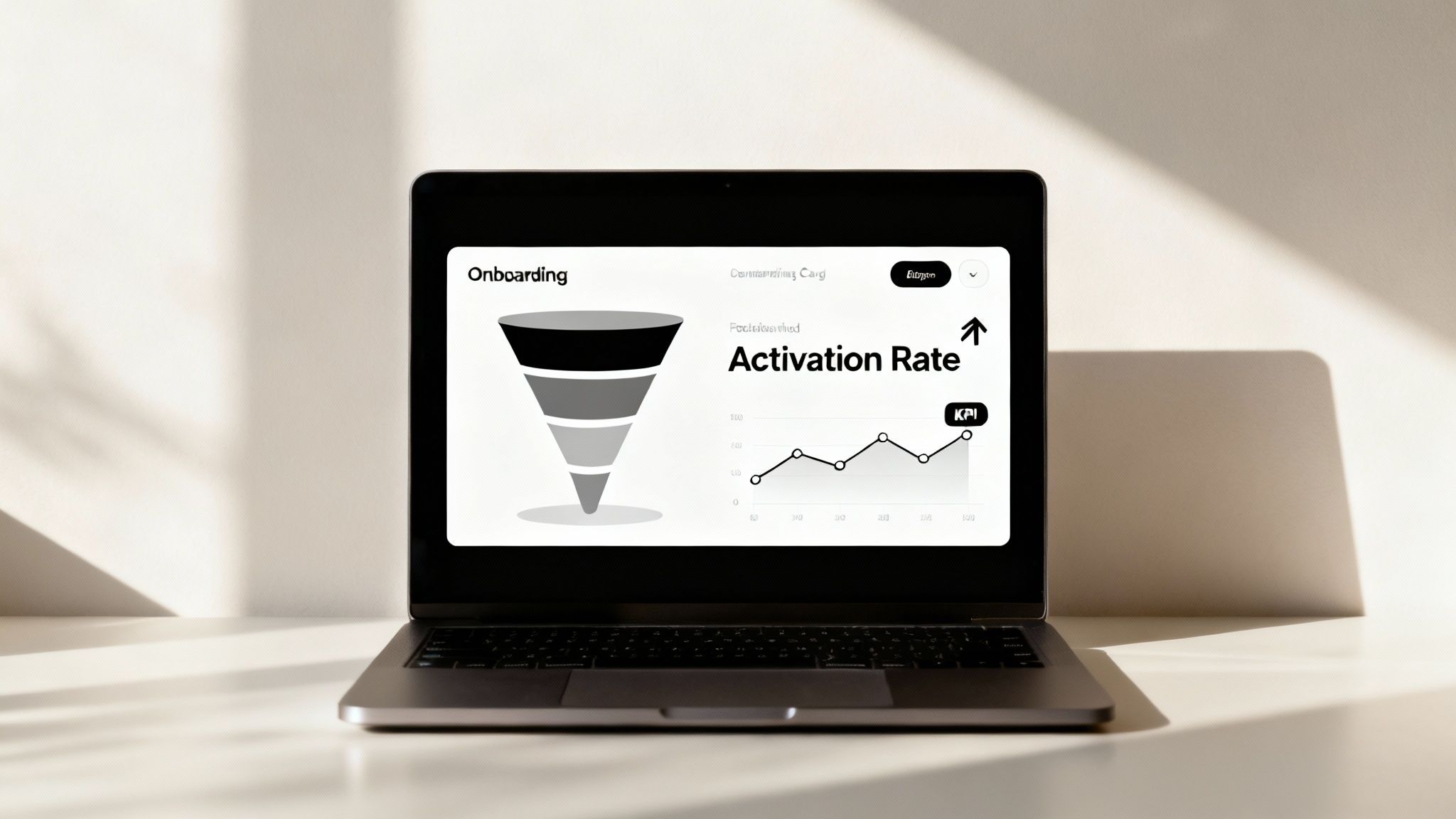
The core idea is to define what “activation” means for your product. For Slack, it might be sending the first 200 team messages. For Asana, it’s creating a project and assigning a task. These aren’t vanity metrics; they are tangible milestones that correlate highly with long-term retention. By tracking metrics like time-to-value, feature adoption rates, and user progression through key workflows, you gain a clear, quantitative view of your onboarding effectiveness. Shopify, for instance, knows that users who add their first product are far more likely to become paying customers.
How to Implement Onboarding Analytics Effectively
To leverage data without getting lost in it, focus on metrics that directly reflect user success and engagement. A clear strategy ensures your analytics lead to actionable improvements.
- Define ‘Activation’ Clearly: Identify the specific set of actions a new user must take to experience your product’s core value. This is your north-star metric for onboarding.
- Establish a Baseline: Before making changes, measure your current performance. This baseline is crucial for accurately assessing the impact of any optimizations you implement.
- Track User Cohorts: Analyze users in groups based on when they signed up. This helps you understand how changes to your onboarding process affect new users over time, rather than looking at skewed aggregate data.
- Combine Quantitative and Qualitative Data: Pair your metrics with qualitative feedback from session recordings, surveys, and user interviews to understand the “why” behind the numbers.
- Set Up Automated Alerts: Create alerts for negative trends, like a drop in the completion rate of a key onboarding step, so you can investigate and react quickly.
By methodically tracking these key performance indicators, you can systematically remove friction and guide users toward success. This not only improves activation rates but also directly impacts retention and lifetime value. Analyzing these metrics is a foundational step in optimizing your strategy, and you can learn more about how to improve your ROI on mick-mar.com.
Top 10 SaaS Onboarding Practices Comparison
| Approach | Implementation Complexity 🔄 | Resource Requirements ⚡ | Expected Outcomes 📊 | Ideal Use Cases 💡 | Key Advantages ⭐ |
|---|---|---|---|---|---|
| Interactive Product Tours and Walkthroughs | Moderate — UI hooks, state tracking, updates needed | Low–Medium — many third‑party tools available | 📊 Increases feature discovery and speeds time‑to‑value | New users, first‑time feature walkthroughs, onboarding hotspots | ⭐ Contextual, updatable without code, progress visibility |
| Personalized Onboarding Flows Based on User Segmentation | High — segmentation logic and multiple content paths | High — data collection, content variants, testing | 📊 Higher engagement, conversion and segmented adoption | Diverse user roles, enterprise customers, varied use cases | ⭐ Very relevant experiences, better ROI per segment |
| Progressive Onboarding and Feature Gradation | Medium — sequencing, gating, milestone tracking | Medium — content + feature flags/permissions | 📊 Reduces overwhelm, improves long‑term retention and confidence | Complex products, skill growth, staged feature rollouts | ⭐ Natural learning curve, sustained perceived value |
| Contextual In‑App Guidance and Tooltips | Low–Medium — placement rules and triggers | Low — lightweight content and triggers | 📊 Fewer support tickets, better in‑context learning | Complex fields, inline validation, moment‑of‑need help | ⭐ Non‑disruptive, immediately actionable guidance |
| Onboarding Checklists and Goal Tracking | Low — checklist UI and status logic | Low — UI components and simple state tracking | 📊 Increases completion rates and motivates progress | Task‑based activation journeys, multi‑step setups | ⭐ Clear structure, visible wins, easy customization |
| Human Support and Live Onboarding Sessions | Low technical, high operational complexity | Very High — staff time, scheduling, training | 📊 Highest activation and retention for high‑value users | Enterprise deals, complex custom setups, high‑touch clients | ⭐ Deep personalization, uncovers needs, builds trust |
| Video‑Based Onboarding and Microlearning | Medium — script/production and embedding | Medium–High — production, editing, hosting | 📊 High engagement and retention for visual learners | Explaining workflows, remote teams, feature demos | ⭐ Efficient visual explanation, reusable and shareable |
| Smart Notification & Email Onboarding Sequences | Medium — automation rules and segmentation | Medium — email/in‑app automation tools and content | 📊 Sustains engagement, reduces inactive churn at scale | Long‑term nurture, behavior‑triggered reminders | ⭐ Scalable, testable, complements in‑app flows |
| Self‑Service Knowledge Base & Help Docs | Medium initial setup, ongoing maintenance | High initial content effort; lower ongoing cost | 📊 Reduces tickets, available 24/7, SEO/organic benefits | Troubleshooting, developer docs, scalable self‑help | ⭐ Scales to unlimited users, builds self‑sufficiency |
| Activation Metrics & Onboarding Analytics | High — event tracking, funnels, cohort analysis | High — analytics tools + analyst effort | 📊 Identifies bottlenecks, enables data‑driven optimizations | Continuous improvement, product‑led growth teams | ⭐ Measures impact, prioritizes roadmap and experiments |
From Onboarding to Advocacy: Your Next Steps
We’ve explored ten powerful SaaS onboarding best practices, each a critical component in transforming a curious new user into a proficient, loyal customer. From the initial “Aha!” moment sparked by an interactive product tour to the sustained engagement fostered by a smart email sequence, the path to user retention is paved with thoughtful, strategic touchpoints. Onboarding is not a single feature; it’s a dynamic, multi-faceted experience that defines the very beginning of your customer relationship.
The journey doesn’t end when a user completes their initial checklist. The true goal is to build a self-sustaining cycle of value realization, adoption, and advocacy. Mastering these concepts is what separates high-growth SaaS companies from the rest. A seamless onboarding process directly reduces churn, increases lifetime value (LTV), and shortens the time-to-value for your customers, making your product an indispensable part of their workflow.
Synthesizing Your Onboarding Strategy
The key takeaway is that no single practice works in isolation. The most effective onboarding strategies weave these elements together into a cohesive and adaptive system.
- Interactive and Contextual Guidance: Combine interactive walkthroughs (Practice #1) with contextual in-app tooltips (Practice #4) to guide users precisely when they need help, directly within their workflow. This creates a learning environment that feels intuitive, not intrusive.
- Personalization and Progression: Use user segmentation (Practice #2) to deliver personalized onboarding flows that speak directly to a user’s role and goals. Then, use progressive onboarding (Practice #3) to introduce complexity gradually, preventing overwhelm and celebrating small wins along the way.
- A Multi-Channel Support System: Blend automated and human support. An onboarding checklist (Practice #5) and a self-service knowledge base (Practice #9) empower users to find answers on their own. Meanwhile, offering live onboarding sessions (Practice #6) provides a high-touch option for complex use cases or high-value accounts.
- Data-Driven Iteration: Your strategy is only as good as the data that informs it. Continuously track activation metrics and analyze onboarding analytics (Practice #10) to identify friction points. Use this data to refine your email sequences (Practice #8), improve your video tutorials (Practice #7), and optimize every step of the user journey.
Your Actionable Path Forward
Feeling overwhelmed by the possibilities is normal. The secret is to start small and focus on impact. Don’t attempt to overhaul your entire onboarding process overnight. Instead, adopt an iterative approach.
- Identify the Biggest Leak: Dive into your analytics. Where are most users dropping off during the first seven days? Is it after the initial sign-up? When they are prompted to integrate another tool? This is your starting point.
- Choose One High-Impact Practice: Select one of the SaaS onboarding best practices discussed that directly addresses this leak. If users are struggling to complete a key setup task, implement a simple onboarding checklist or a series of contextual tooltips.
- Measure and Learn: Implement your chosen strategy for a specific cohort of new users. Compare their activation rates, feature adoption, and 30-day retention against your baseline. Let the data tell you what’s working.
- Iterate and Expand: Once you’ve validated the impact of your first change, move on to the next biggest friction point. Layer new practices onto your existing flow, continuously refining the experience.
Ultimately, a world-class onboarding experience is the most powerful growth lever at your disposal. It is your first, best chance to prove your product’s value and set the foundation for a long-term, profitable relationship. By treating onboarding as an ongoing, data-informed discipline rather than a one-time project, you build more than just a customer base; you build a community of advocates.
Ready to turn your onboarding process into a powerful growth engine but not sure where to start? At Mick-Mar Inc., we specialize in helping B2B SaaS companies refine their user journey to boost activation and retention. Let our team of experts help you implement these best practices and build an onboarding experience that drives real business results. Visit Mick-Mar Inc. to learn how we can help you grow.


